 Tick
TickIndependent
The person uses their own Android phone or iPhone and only needs an alert, today list, and simple history. Tick often fits well.
Family guide
Sometimes a clear phone reminder is enough. In other cases, caregiver support, persistent alarms, or reports for appointments make more sense. The choice starts with the person's independence.
Updated July 4, 2026Tick availability checked October 5, 2026.
Tick is available for Android and iPhone (iOS 15 or later), with no account required. The iPhone widget requires iOS 17 or later.
First decision
This guide does not replace professional guidance. It helps you choose the right tool for remembering and recording.
The person uses their own Android phone or iPhone and only needs an alert, today list, and simple history. Tick often fits well.
A family member helps with setup, but daily check-offs still happen on the person's phone.
Someone needs to follow missed doses. Look at Medisafe, MyTherapy, Pillo, or an app with family profiles.
Interactions, variable doses, stock, reports, or health measurements call for a more clinical app and professional validation.
If normal notifications are ignored, apps like Pillo may be more suitable because they use more insistent alarms.
For people who are not comfortable with smartphones, a pill organizer and a shared routine may work better than an app.
Comparison
| Need | Best fit | Why | Watch out |
|---|---|---|---|
| Simple reminder | Tick | Today list, widget, history, and no account required to start. | No remote monitoring. |
| Caregiver/family | Medisafe, MyTherapy, or Pillo | Public product information points to profiles, caregiver, or family features. | Requires setup and may be more complex. |
| Insistent alarm | Pillo | The app positions itself around persistent alarms for people who miss normal notifications. | Can feel intrusive if the person prefers discreet alerts. |
| Appointment report | MyTherapy or Medisafe | Both have features tied to diaries, measurements, and reports. | Not every routine needs this much detail. |
| Light habit without medical context | Tick or Loop | Tick works for daily care; Loop is strong for habits and charts. | Loop is not medication-specific. |
Home screen
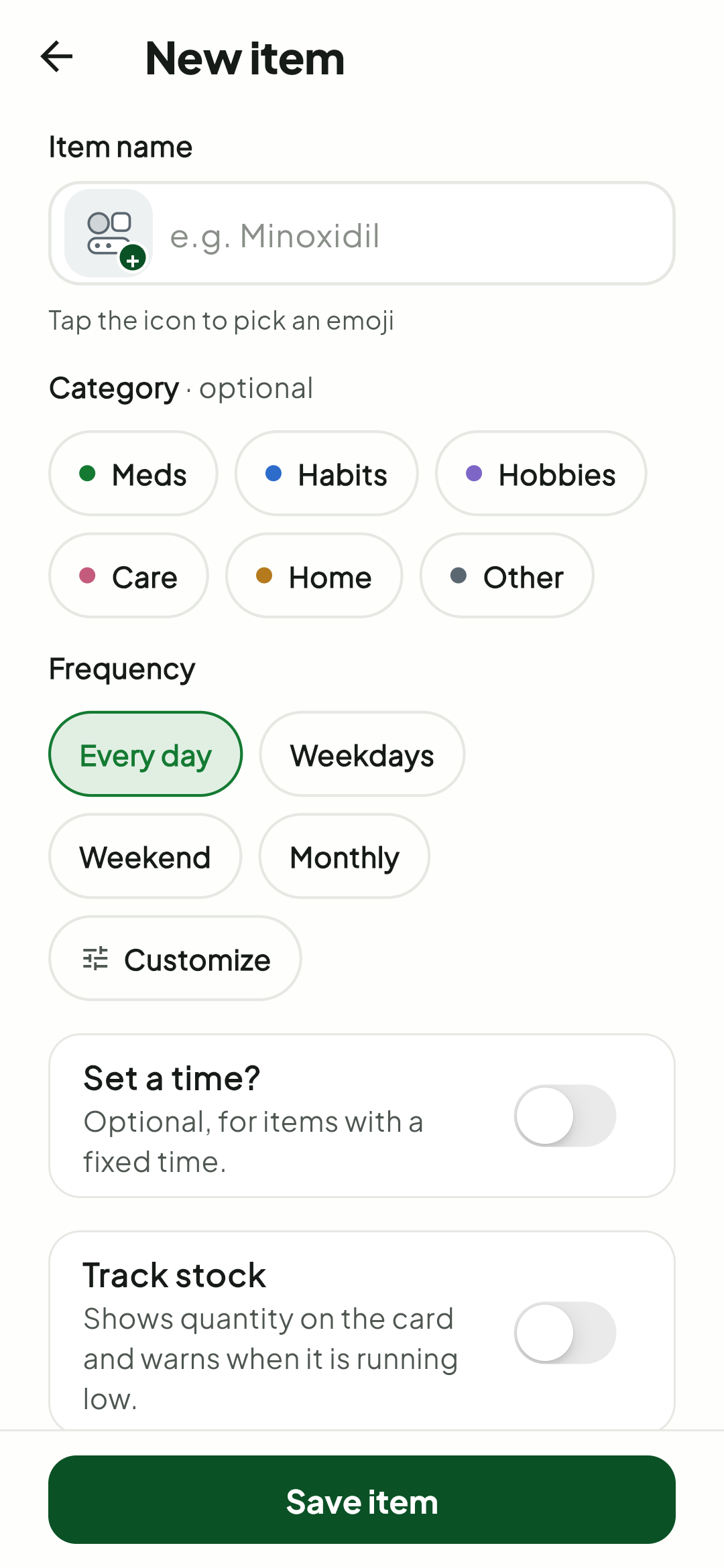
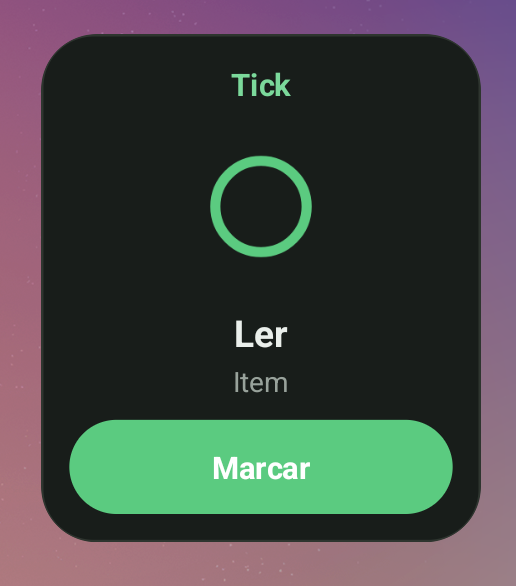
A family member can help with the first setup and place the most important item on the home screen. The person does not need to remember where the app is: they see the care item and tap to check it off.
Add only a few items with names that are easy to recognize.
Place the most important item on the home screen, not hidden inside a folder.
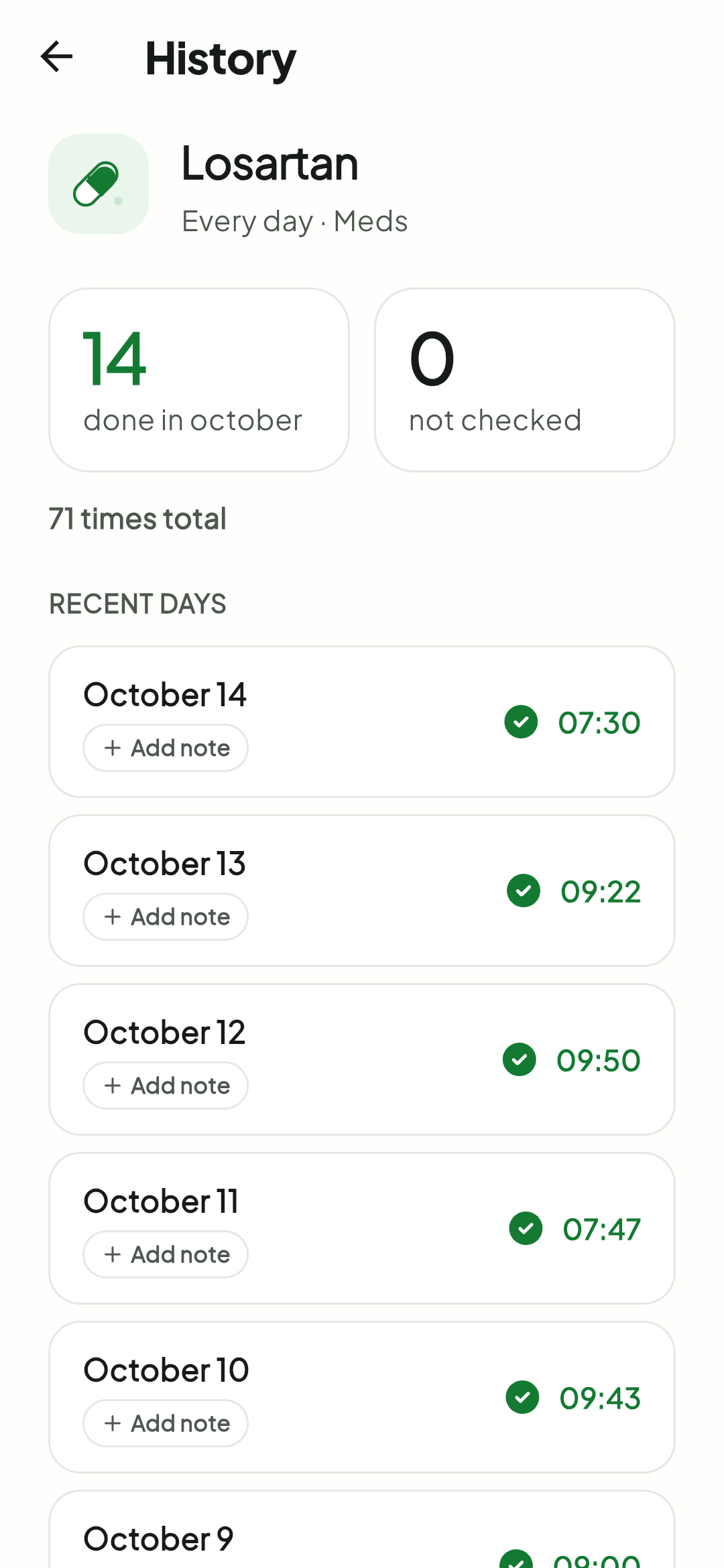
Check whether the history is clear and whether the reminder is helping instead of interrupting.
See also: best Android widgets for habits and meds.
Calm setup
The smaller the initial setup, the better the chance the routine continues after the first week.
Add only what matters
Keep it visible
Check later
FAQ
If the person needs remote follow-up, choose an app with caregiver or family features. If they only need reminders and check-offs on their own phone, Tick may be enough.
No. Tick is built for individual use on the device. For caregiver alerts, compare Medisafe, MyTherapy, Pillo, or family-specific apps.
Not necessarily. In many cases, a pill organizer, a physical routine, and an app complement each other. For complex treatment, follow professional guidance.
No. Tick only reminds and records. Medication interactions should be evaluated by a healthcare professional or a specialized app.
Sources consulted: Medisafe on Google Play, MyTherapy on Google Play, Pillo on Google Play, and public Tick pages.
Tick helps you see what is due today, get reminders, and check off items without turning care into a clinical dashboard. It does not include remote caregiver monitoring.