 Tick
TickShow what is left
The widget should answer quickly: what is still pending today?
Android widgets
For a daily routine, a widget is not decoration. It puts the item where you already look and avoids the chain of opening an app, finding the screen, and remembering what was left.
Updated July 4, 2026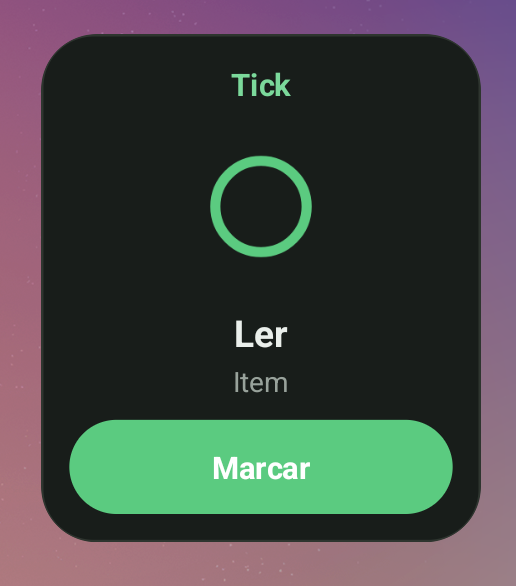
Checklist
The widget should answer quickly: what is still pending today?
If it only opens the app, some friction remains. Direct action is better.
After you check something off, the state should change without confusion.
Title, time, and action need to fit on the home screen.
For medication, use discreet names if other people can see your screen.
A good widget saves attention. Too many charts can get in the way.
Comparison
| App | Widget type | Best for | Limit |
|---|---|---|---|
| Tick | Widget for seeing and checking off today's items. | Simple meds, supplements, and care on the home screen. | Not a clinical dashboard and no remote caregiver. |
| Loop Habit Tracker | Colorful widgets for habits and visual tracking. | People who want habits, charts, and a free open-source app. | Not specific to medication with dose and dose history. |
| Pillo | Med cabinet and dose-history widgets. | People who want medication, stock, persistent alarms, and more clinical history. | Can be heavier and more insistent than a daily tracker. |
| Habitica | Widgets and reminders inside a gamified routine. | People who want tasks, avatars, rewards, and groups. | Gamification can be tiring if you want calm care. |
| Google Calendar/Tasks | Agenda and task widgets from the Google ecosystem. | Recurring tasks and basic reminders. | Does not check off meds by item or show dose history. |
In Tick
The check-off widget is not locked behind payment. Tick Pro removes ads and unlocks polish: themes, colors, widget style, progress, and extra times.
On the home screen
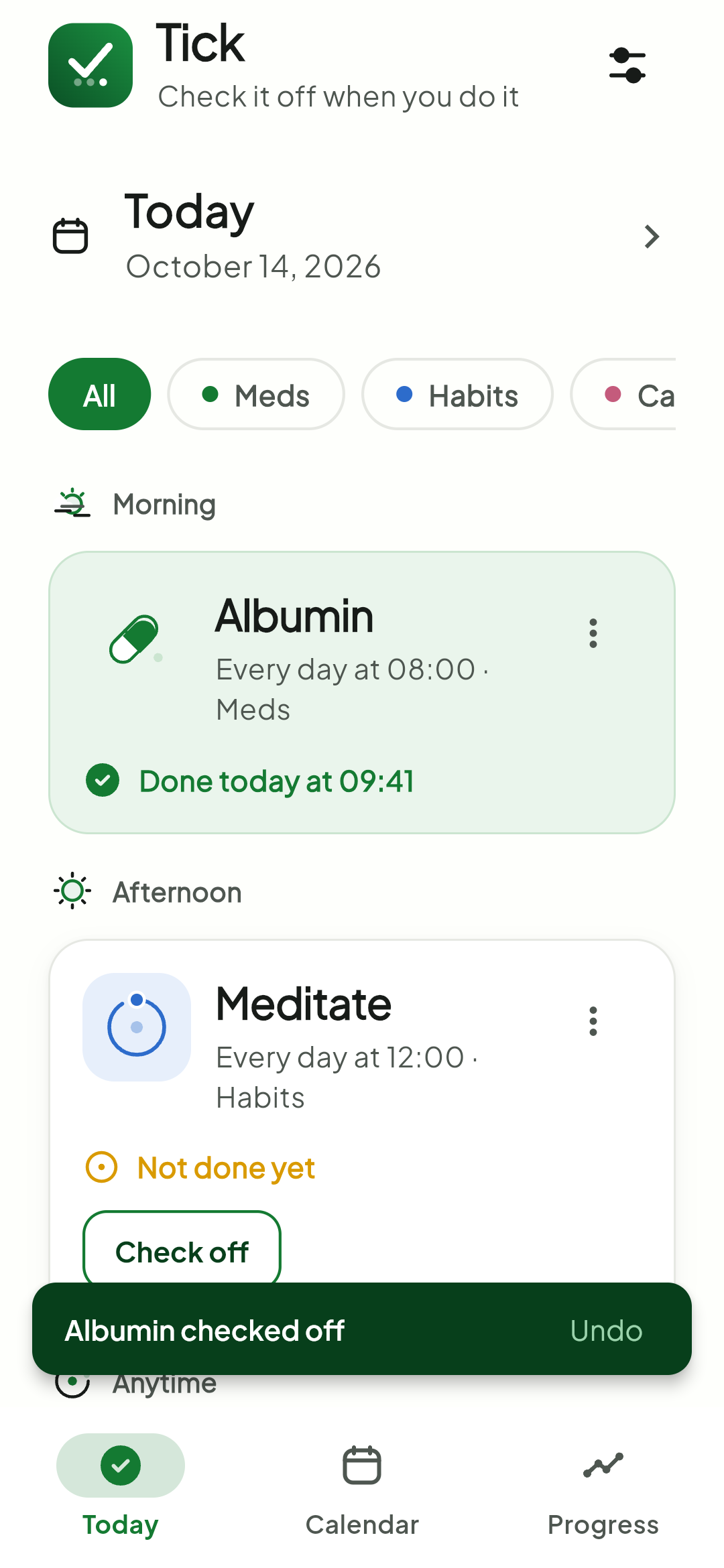
Synced state
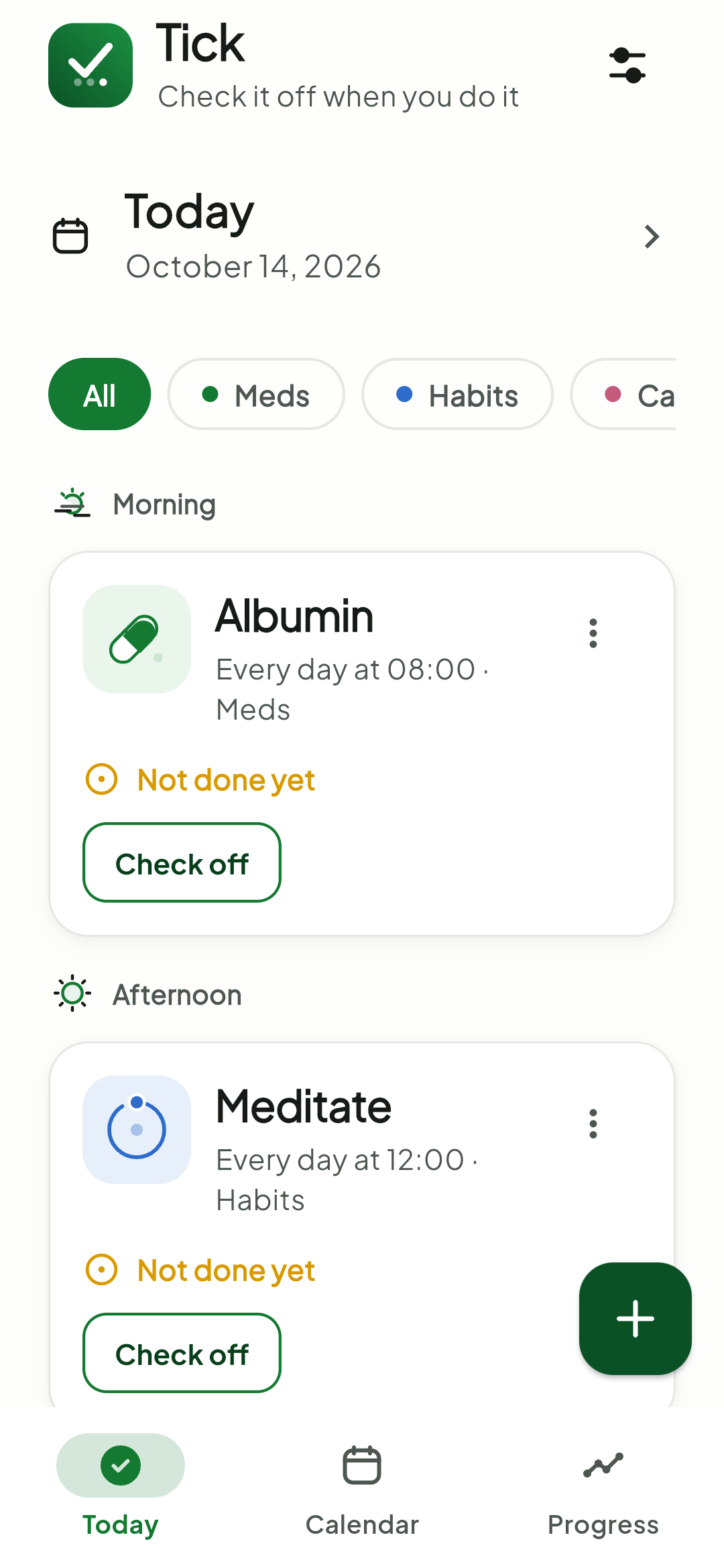
Today list
Visual privacy
Even when items stay on the device, the home screen can be visible on a desk, at work, or at home. Use short, discreet names if the item is sensitive.
Prefer "Morning" or "Vitamin" when you do not want to expose details.
Put only what helps you act in that moment on the widget.
Choose a widget that does not feel like a permanent alarm.
FAQ
Tick has a widget for checking off today's items. Pillo also offers medication-related widgets. If the focus is habits, Loop is a strong Android option.
No. The notification gets your attention at the scheduled time; the widget keeps the item visible and reduces the steps to record it.
Yes, the basic widget is free. Pro adds themes, colors, styles, and removes ads.
It helps you record, but it does not check dose or interactions. For sensitive items, use discreet names and confirm guidance with a healthcare professional.
Sources consulted: Loop on Google Play, Pillo on Google Play, Habitica on Google Play, Google Calendar Help, and public Tick pages.
Tick puts today's routine on the home screen so you can confirm an item without opening the app.